

Light, in real time.
Read lux or foot-candles, see exposure value at ISO 100, and understand your surroundings with a logarithmic gauge.
ILLUMINANCE · EXAMPLE
480lx
DarkIndoorSunlight
Everyday light, made understandable. IllumiGaugeLIGHT METERTry the demo
Turn your phone into a light meter. Measure, understand, and record the light around you.
 Android sensor. iPhone camera.
 Offline. Private. No account.
 Measure, save, and export
 Built-in exposure tools
Light shapes your space.
Understand it. Make it yours.
From your first reading to your next decision, everything you need to make sense of light.
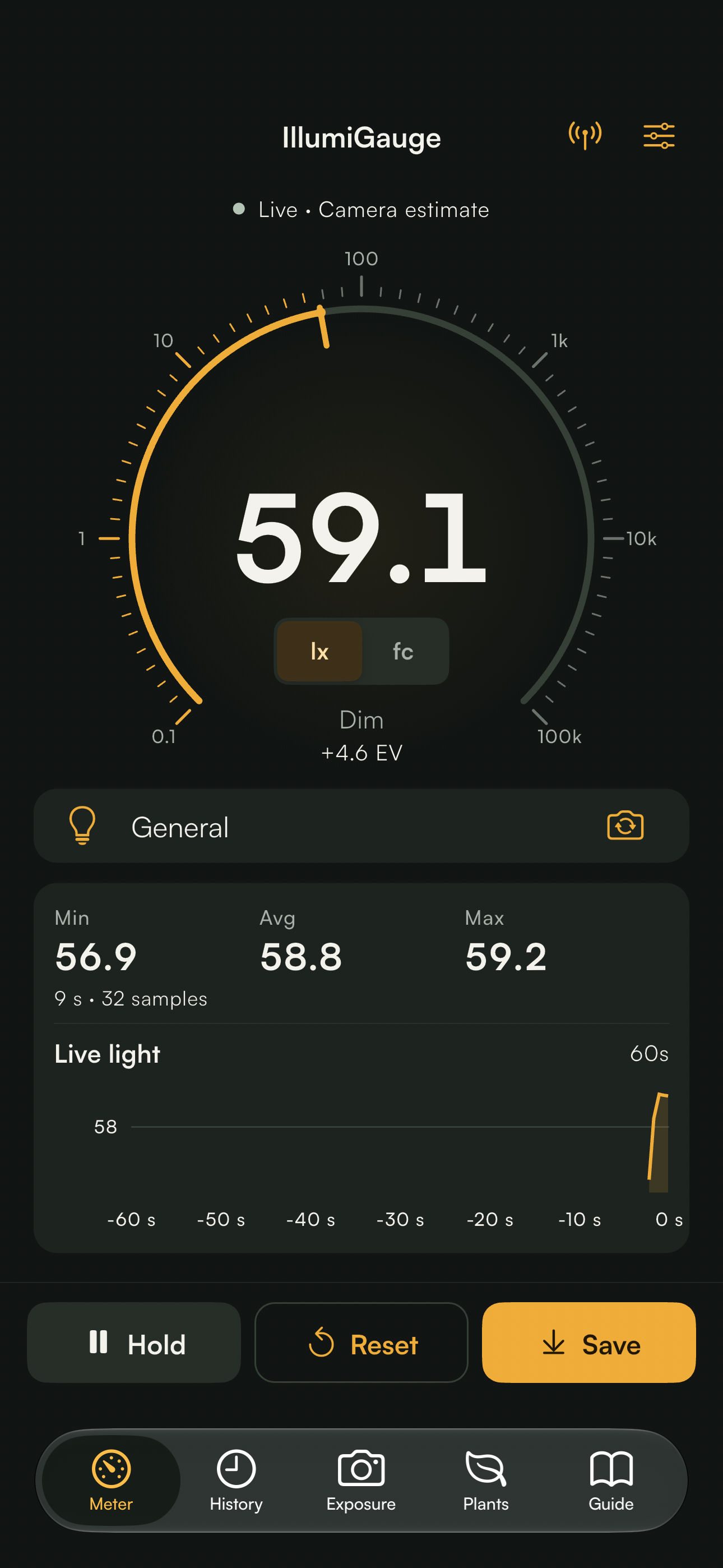
Read lux or foot-candles, see exposure value at ISO 100, and understand your surroundings with a logarithmic gauge.
Follow a live chart over 30 to 300 seconds. Track minimum, maximum, and average. Hold a moment or reset for a fresh session.

Save readings with notes and named locations. Revisit session charts, filter your history, and share individual records or everything as CSV.
 Studio windowAfternoon · Sheer curtains closed480 lx
Calibrate against a reference meter. Adjust smoothing, choose a theme, set threshold alerts, or keep the screen awake while measuring.
A focused meter up front. A world of useful detail just a tap away.
A large, clear reading. A gauge that spans dim rooms to daylight. Your session statistics and live chart, together in one place.
Move the slider or choose a scene. See how light levels translate into lux, foot-candles, and exposure value.
An interactive example, using simulated values. This website does not access your device’s light sensor. Reference ranges are indicative.
LIGHT EXPLOREROffice desk
480 lx is within the typical 300–500 lx range for office screen work.
A small tool for the spaces you live in, the things you grow, and the images you create.
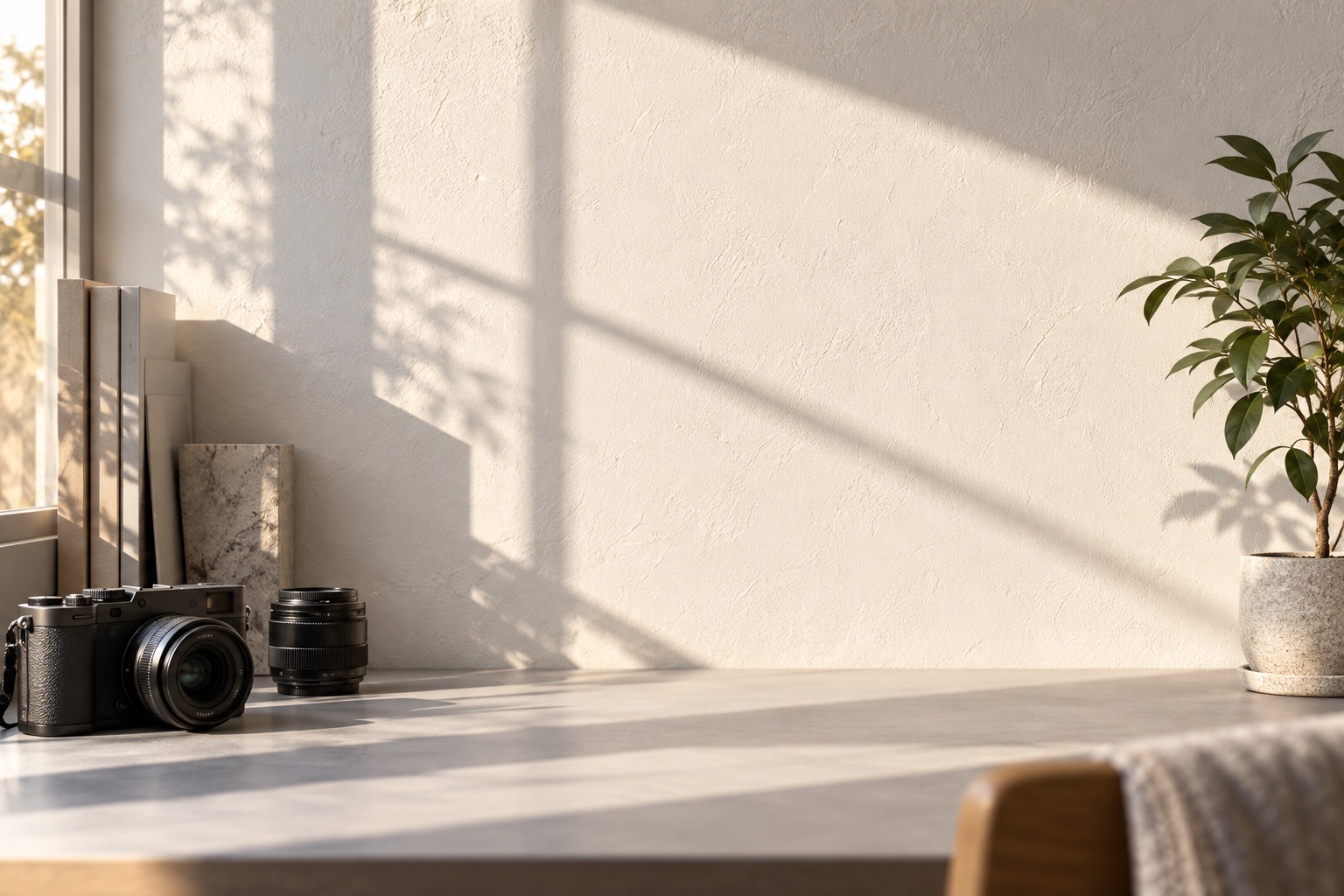
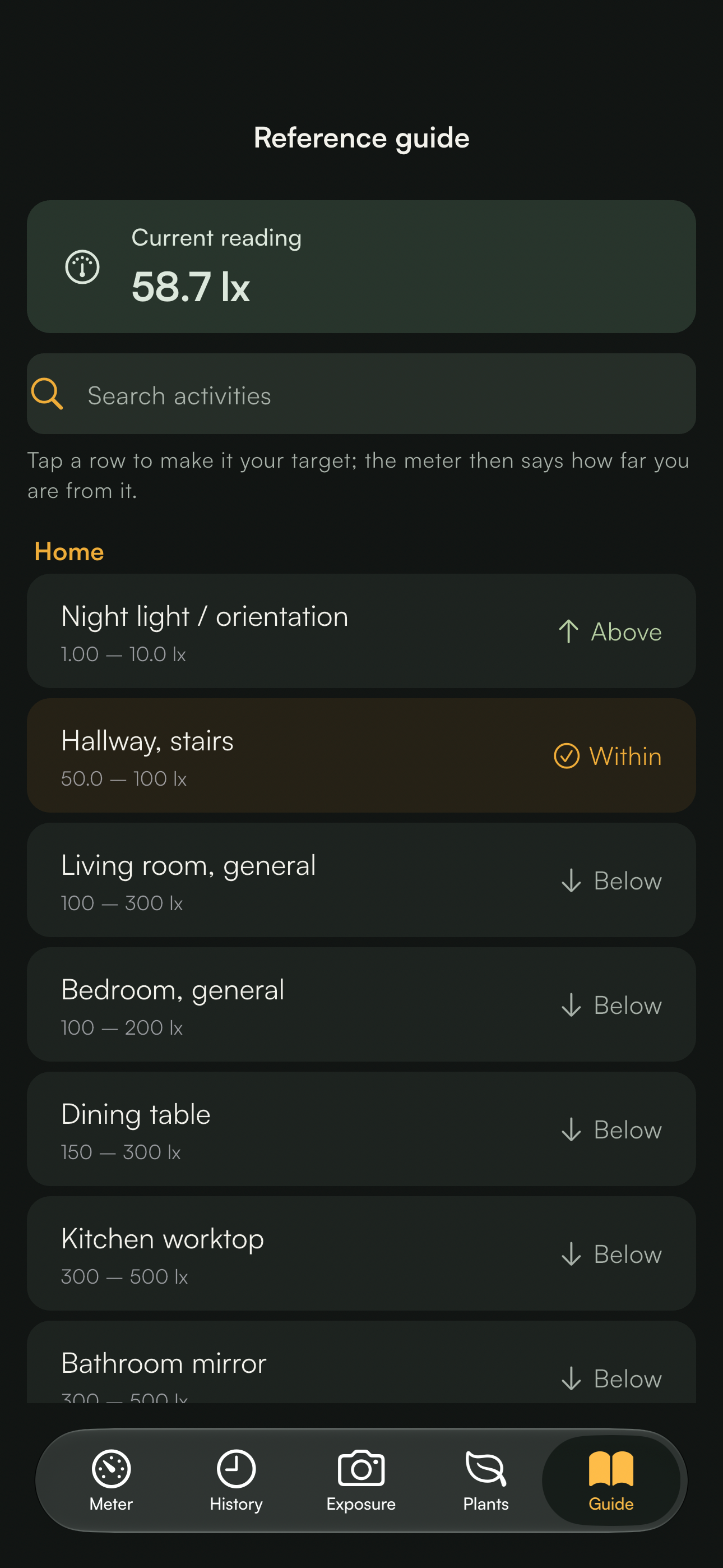
Compare your desk, kitchen, or reading corner with typical light levels. See what changes when you move a lamp.
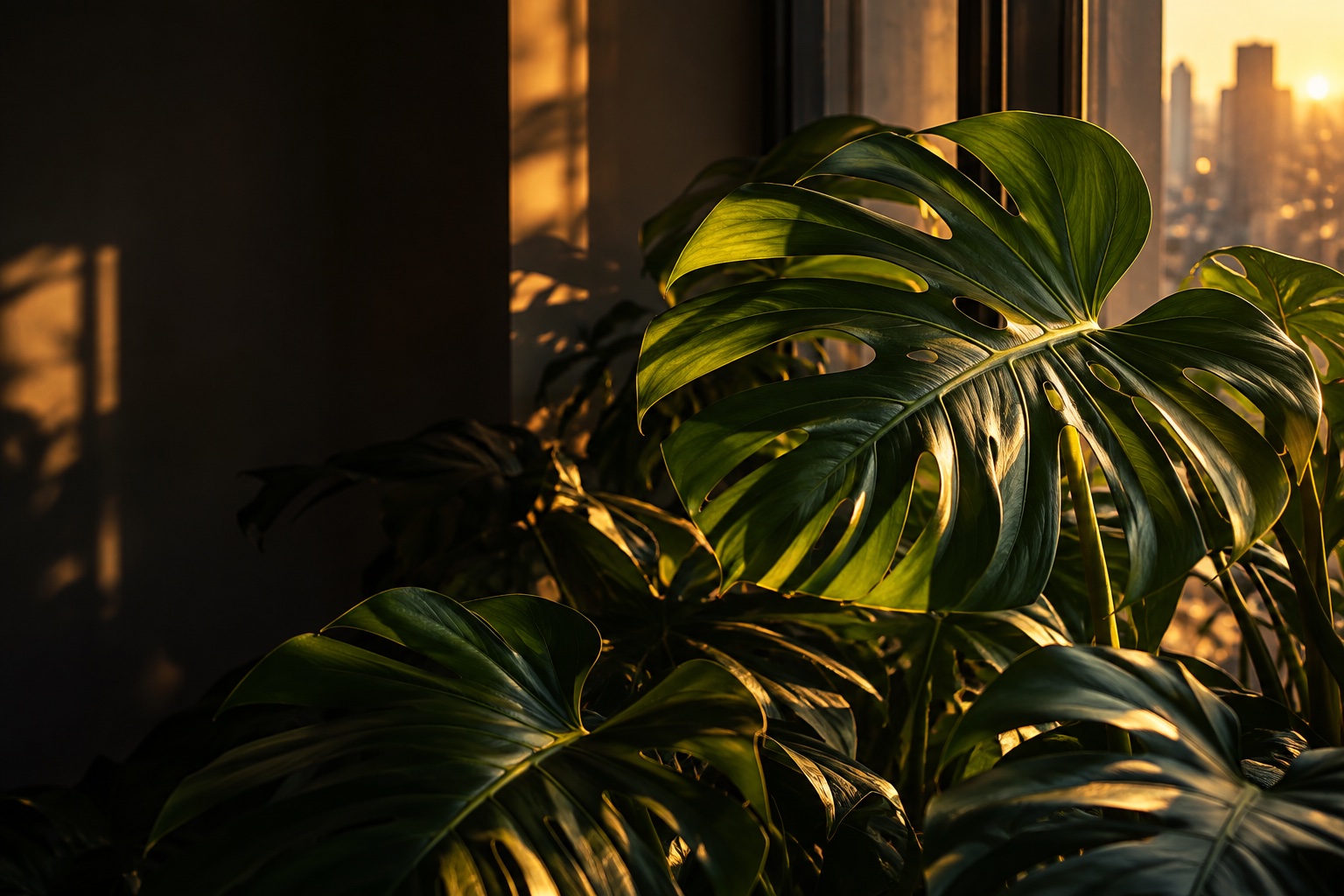
Estimate PPFD and daily light integral from your reading. Adjust the light source and photoperiod to compare spots for your plants.
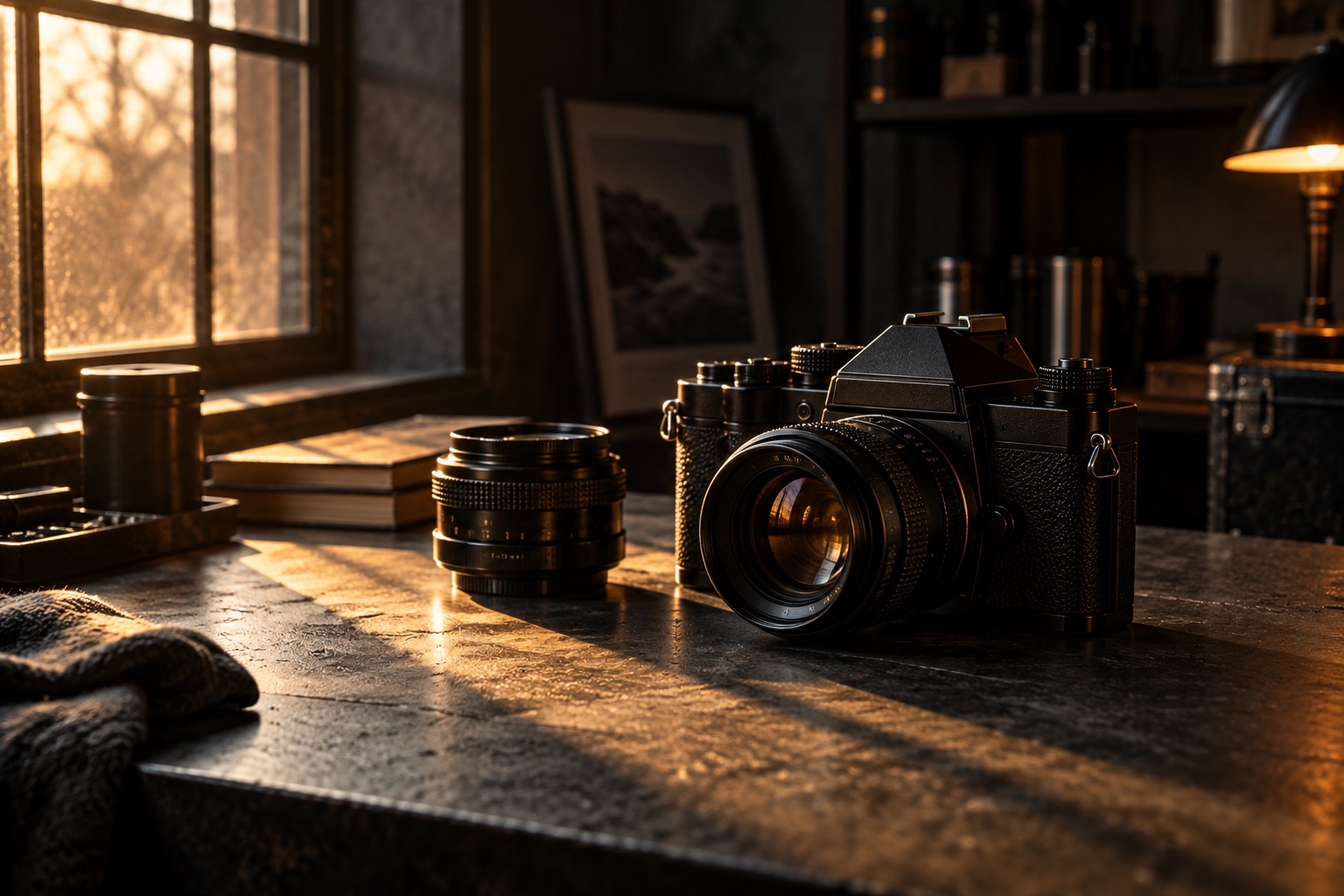
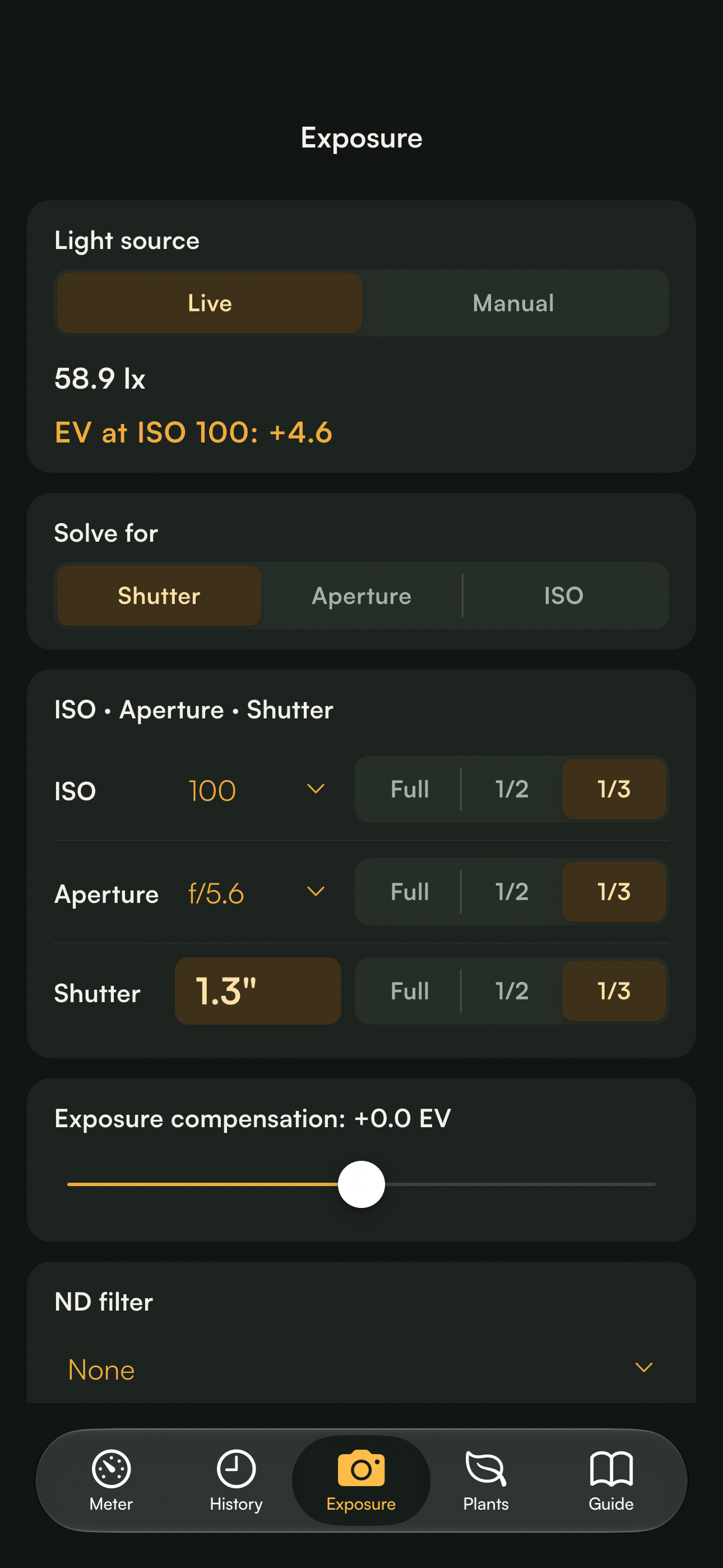
Calculate camera settings from live or manual readings, with compensation, ND filters, and video shutter angle.
Document readings with notes and locations. Export them for comparison, review, or a spreadsheet.
The built-in exposure calculator solves shutter speed, aperture, or ISO from your live reading or a manual input.
A practical starting point for your camera.
Exposure calculations use an Android sensor reading, an iPhone camera estimate, or a manual value. Phone readings are indicative; use them as a starting point.
No setup ritual. No account. Just your phone and the light in front of you.
Open IllumiGauge. On Android, uncover the ambient light sensor. On iPhone, allow camera access and point your selected camera toward the area you want to measure.
Let the value settle. Switch units, compare the guide, or tap Hold to freeze the display while you inspect it.
Save a reading with a note and location. Revisit its chart later, or export it as CSV when you need it.
Measurements and calculations work offline. Your readings stay on your device and leave only when you choose to export them.
 No accountsNo ads or trackingNo cloud uploadsNo images stored
Clear answers, before you start measuring.
IllumiGauge supports Android 7.0 and above with an ambient light sensor, and iPhone on iOS 15 and above using a camera-based estimate. Sensor availability and measurement range vary by device. History, manual exposure calculations, and the reference guide remain usable when live metering is unavailable.
Phone sensors and camera estimates are not calibrated instruments. Glass, sensor placement, and the light source all affect the result, so readings are indicative. The reference-meter wizard can help you calibrate against a dedicated meter. Use a professional calibrated instrument for certified or compliance measurements.
On iPhone, IllumiGauge estimates light from the selected front or rear camera and requests camera permission. It does not store photos or upload camera frames. Android uses the ambient light sensor. You can also enter a manual value in the exposure calculator.
Yes. The iPhone app uses camera-based light estimates and native Cupertino controls. On iOS 26 and above, the tab bar uses Apple’s native Liquid Glass appearance.
Save the reading, session minimum, maximum, average, samples, and calibration factor, with an optional note and location. Each record includes up to one hour of session samples. Export a single record with its samples, or all saved records as a CSV summary through your phone’s share sheet.
The guide provides typical, indicative ranges for home, work, public spaces, outdoor conditions, and plants. It marks your reading as below, within, or above each range. These ranges provide context and are not a substitute for a lighting design assessment or a plant-specific care guide.
The iPhone app is currently being tested through TestFlight. Public App Store and Google Play listings are in preparation; this showcase does not yet link to a public store release.
Meet your everyday light companion.
Made for iPhone and Android. Built to keep things simple.
iOS TestFlight beta · Public store listings in preparation